Process Files
Set parameters
First, navigate to the “Parameters” tab in the sidebar to alter analysis parameters.
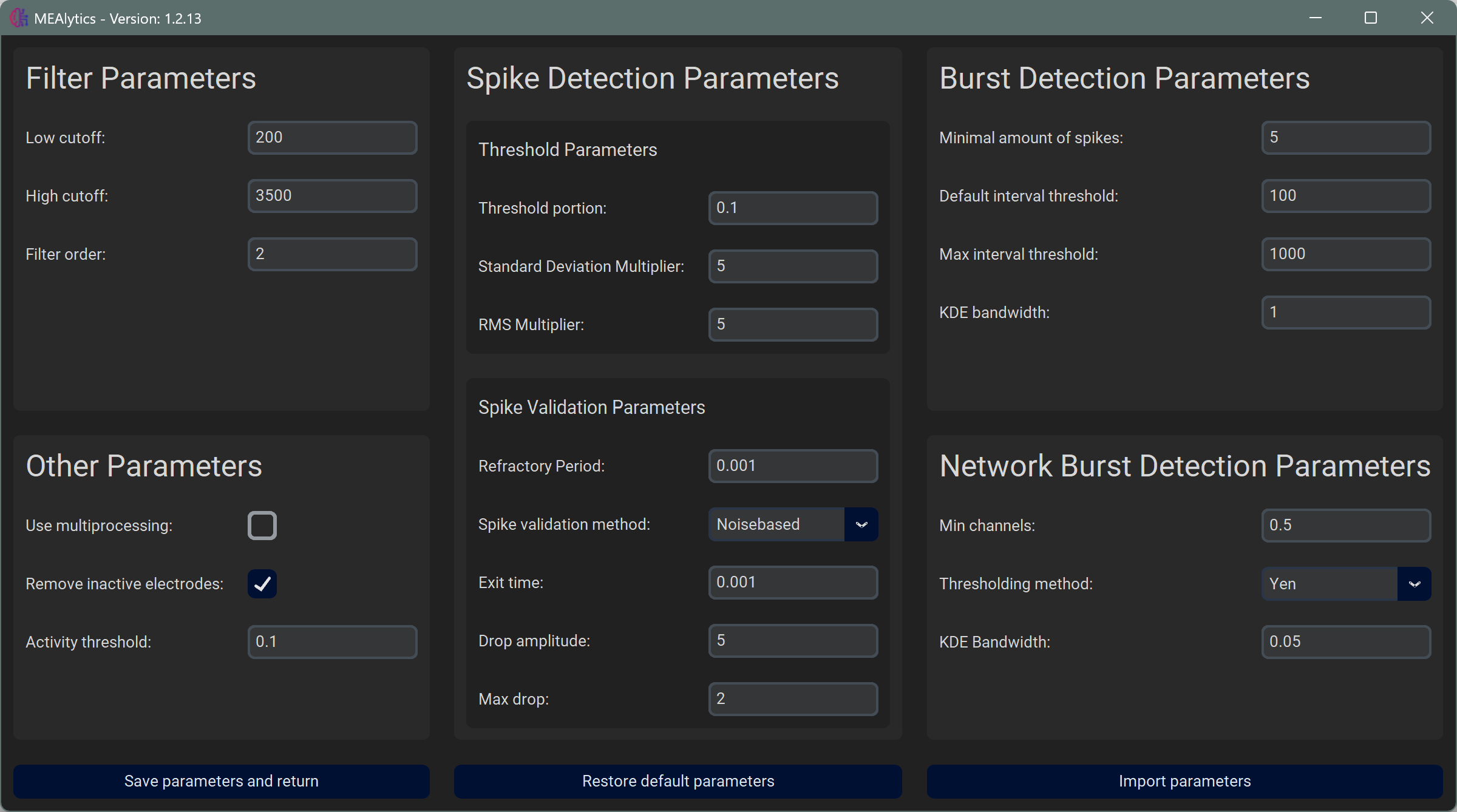
From here it is possible to alter the parameters or import settings from a previous experiment. To save the parameters, press Save and Return, simply returning to another tab will not apply your changes.
Restore Defaults can be used to restore all parameters to the default values.
Parameters from previous experiments can be loaded using Import Parameters. Every experiment will generate a file called parameters.json in the output folder. These files can be selected to copy the parameters to the current analysis.
For more information about each parameter, see Parameters.
Analyse file
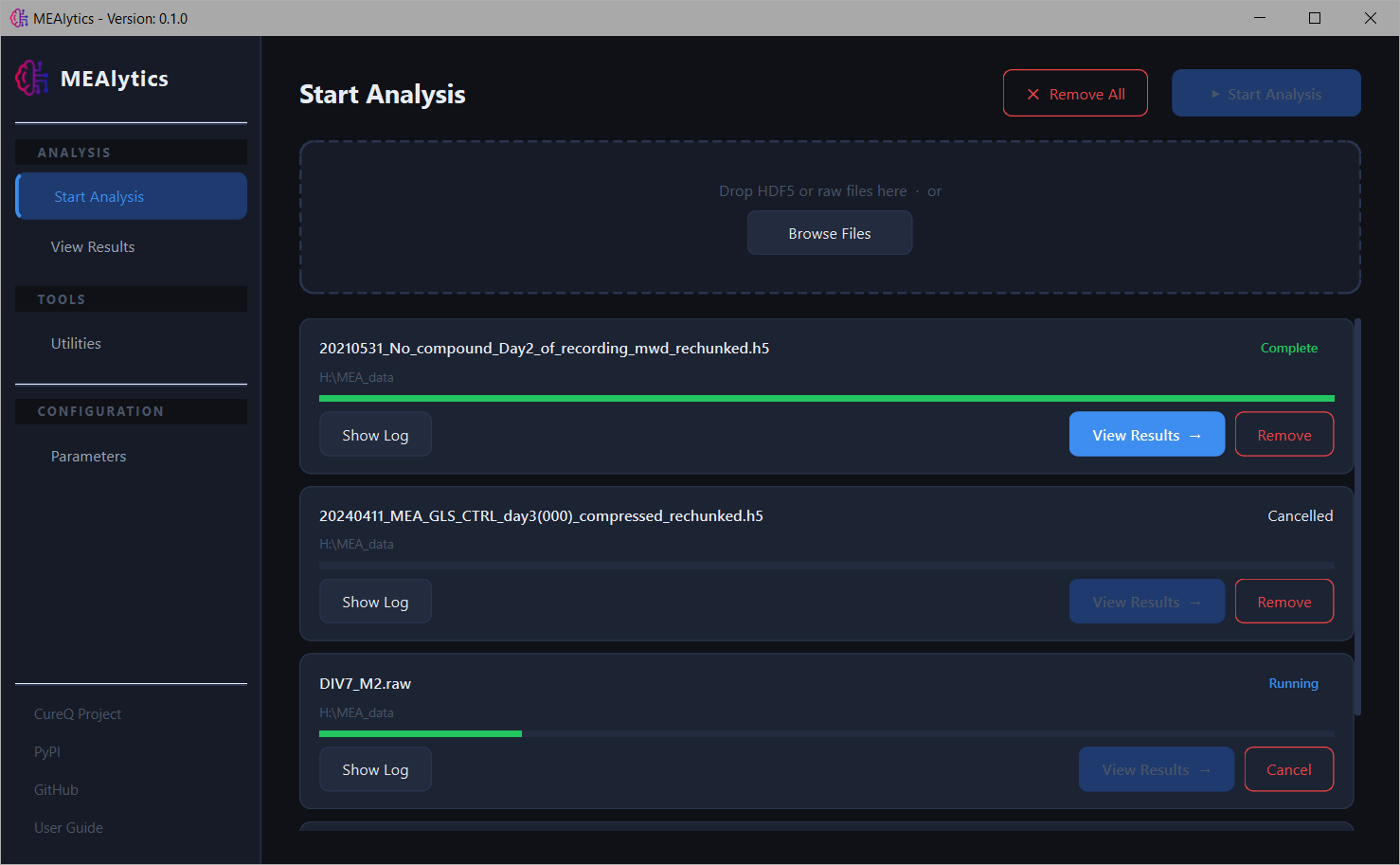
In the sidebar, select Start Analysis. Select one or multiple files using the Browse Files button, or drag the files into the box. Press Start Analysis in the top right corner of the window to initialize the analysis.
Rechunking
If your MultiChannel Systems hdf5 file has not been rechunked yet, the application will first rechunk the file, creating a copy, and then process the new file. Files can also be rechunked manually. For more information about why files are rechunked, see Compress/Rechunk files.